How to Audit Your Website for AI Crawler Access Before Google and Perplexity Stop Indexing Your Content
How to Audit Your Website for AI Crawler Access Before Google and Perplexity Stop Indexing Your Content
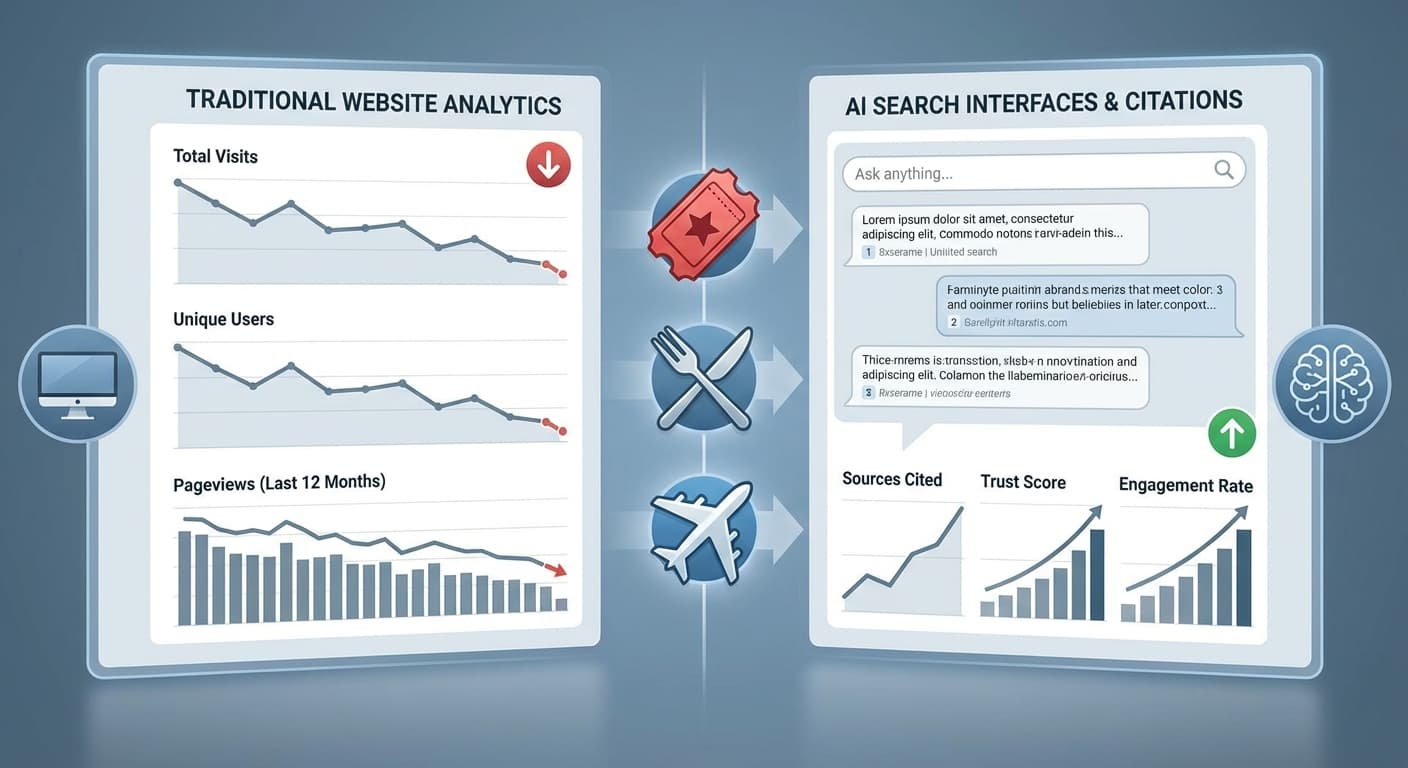
With over 500 million weekly users on ChatGPT and AI search now accounting for 35% of all online queries in 2026, the stakes for AI visibility have never been higher. But here's the alarming reality: nearly 40% of websites are unknowingly blocking AI crawlers from accessing their content, effectively making themselves invisible in the age of AI search.
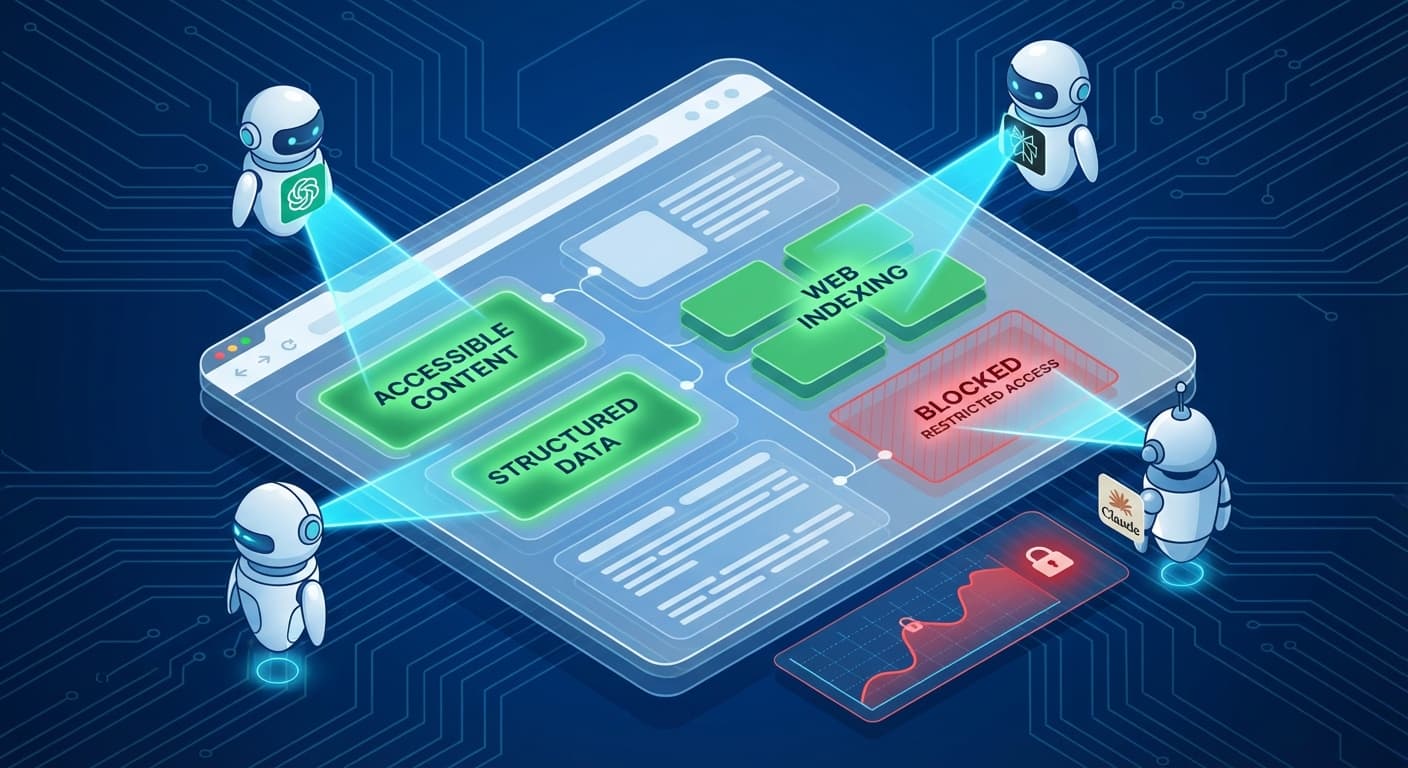
While you've been optimizing for Google's traditional crawler, a new generation of AI bots has emerged—and many are being accidentally blocked by outdated robots.txt files and security measures designed for a pre-AI web.
Why AI Crawler Access Matters More Than Ever in 2026
The digital landscape has fundamentally shifted. Perplexity Pro now processes over 100 million queries monthly, while Claude and Gemini have become go-to research tools for professionals worldwide. When these AI engines can't access your content, you're not just missing out on traffic—you're becoming irrelevant to an entire generation of searchers.
Recent studies show that 72% of Gen Z and 58% of millennials now start their research with AI chatbots rather than traditional search engines. If your content isn't accessible to AI crawlers, you're essentially invisible to these users.
The Hidden Blockers: Common Issues Preventing AI Access
Outdated Robots.txt Files
Most websites still use robots.txt files created years ago, before AI crawlers existed. These files often contain blanket restrictions that inadvertently block legitimate AI bots:
User-agent: *
Disallow: /admin/
Disallow: /private/
Crawl-delay: 10
While this protects sensitive areas, an overly restrictive crawl-delay or broad disallow statements can prevent AI crawlers from effectively indexing your content.
Aggressive Security Measures
Many websites use security plugins and firewalls that treat AI crawlers as potential threats. CloudFlare's Bot Fight Mode, for instance, can block legitimate AI crawlers if not properly configured.
Content Delivery and Access Issues
Step-by-Step AI Crawler Audit Process
1. Identify Current AI Crawlers
As of 2026, the major AI crawlers you should ensure access for include:
2. Analyze Your Robots.txt File
Navigate to yourwebsite.com/robots.txt and check for:
Best Practice Example:
User-agent: ChatGPT-User
Allow: /
User-agent: PerplexityBot
Allow: /
User-agent: Claude-Web
Allow: /
User-agent: Google-Extended
Allow: /
Sitemap: https://yourwebsite.com/sitemap.xml
3. Test Server Response to AI Crawlers
Use tools like Screaming Frog or custom scripts to simulate AI crawler requests:
4. Review Security and Firewall Settings
CloudFlare Users:
WordPress Users:
5. Audit Content Accessibility
Technical Checks:
Content Structure:
AI engines like Perplexity and ChatGPT rely heavily on well-structured content to understand context. Using a tool like Citescope's GEO Score analysis can help identify how well your content is structured for AI interpretation across the five key dimensions that matter most.
Advanced Audit Techniques
Log Analysis
Review your server logs for AI crawler activity:
bash
grep -i "chatgpt\|perplexity\|claude\|google-extended" access.log
Look for:
Performance Testing
AI crawlers often have different performance requirements:
Content Freshness Signals
Ensure your site provides clear signals about content freshness:
Common Audit Findings and Solutions
Issue 1: AI Crawlers Getting 429 (Rate Limited) Responses
Solution: Adjust rate limiting to allow reasonable crawl rates (typically 1-2 requests per second for AI crawlers)
Issue 2: Content Behind Login Walls
Solution: Ensure public content isn't accidentally protected. Consider implementing structured data previews for gated content
Issue 3: Geographic Blocking
Solution: AI services operate globally. Avoid blocking entire countries or regions where major AI companies operate
Issue 4: JavaScript-Dependent Content
Solution: Ensure critical content is available in initial HTML or implement server-side rendering
Monitoring and Maintenance
Set Up Ongoing Monitoring
Stay Updated on New Crawlers
The AI landscape evolves rapidly. New AI services launch regularly, each with their own crawler. Subscribe to:
How Citescope Helps
While manual audits are important, they're time-intensive and easy to get wrong. Citescope's platform automatically analyzes your content's AI accessibility as part of its GEO Score assessment. The tool identifies technical barriers that might prevent AI crawlers from properly indexing your content and provides specific recommendations for improvement.
The Citation Tracker feature also helps you monitor whether your optimization efforts are working—if your content starts getting cited by ChatGPT, Perplexity, and other AI engines, you know your crawler access improvements are paying off.
The Cost of Inaction
Websites that fail to ensure AI crawler access are experiencing:
Ready to Optimize for AI Search?
Don't let technical barriers prevent your content from reaching the growing audience of AI search users. Citescope's comprehensive platform makes it easy to audit, optimize, and monitor your content's performance across all major AI search engines.
Start with our free tier to analyze your first 3 pieces of content and see exactly how AI-friendly your website really is. With AI search continuing to grow exponentially, the time to act is now—before your competitors secure their position in this new search landscape.